Datasets
Datasets
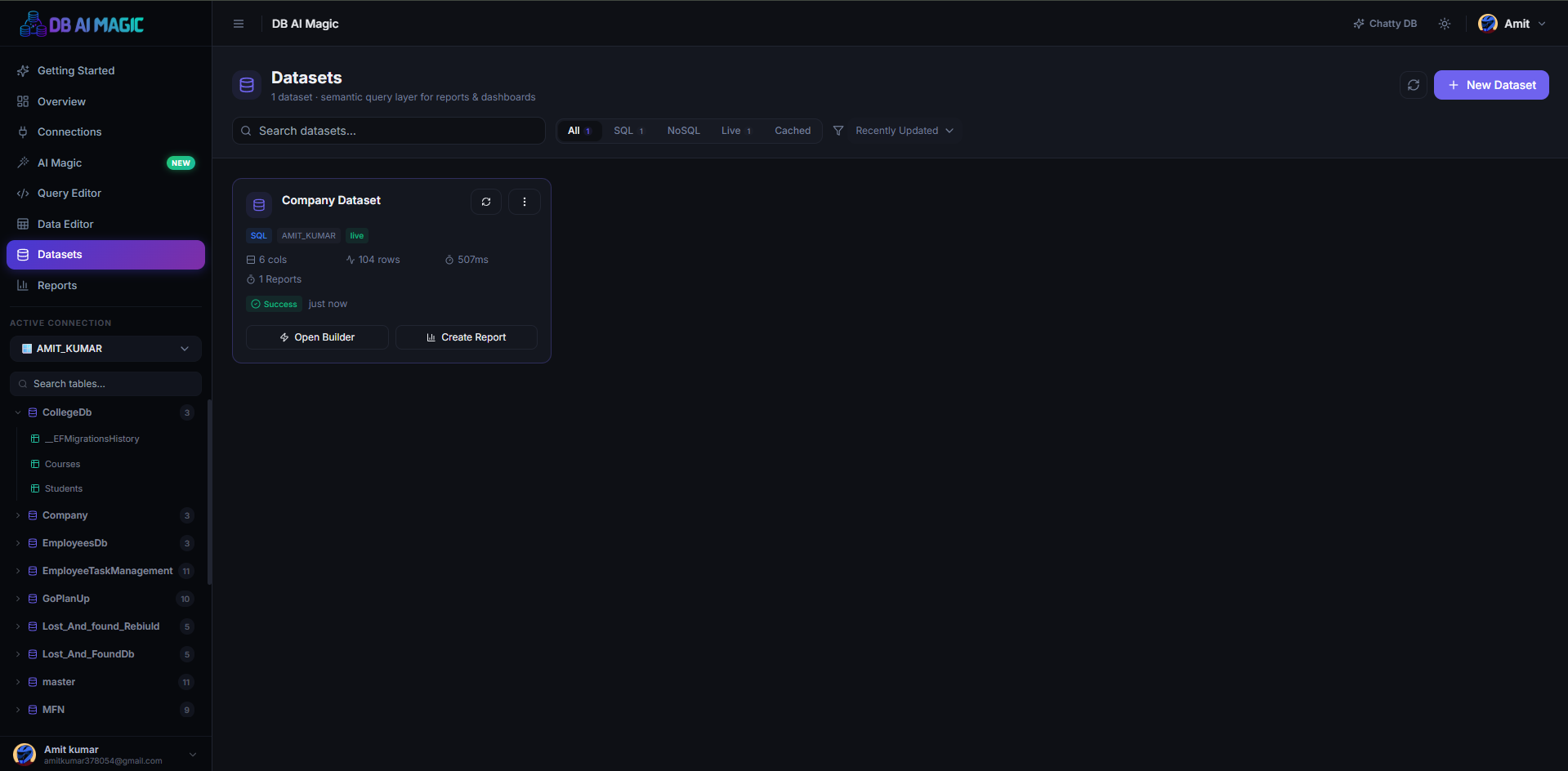
Datasets are reusable, named queries with optional transforms. They're the building block for every report and dashboard in DB AI Magic.
What is a dataset?
A dataset wraps a SQL query (or a saved query, or a NoSQL find) with a name, optional column overrides, and a refresh policy. Once saved, the dataset becomes a reusable source you can point any chart or widget at without repeating the SQL.
Why bother?
- Reuse — define a complex JOIN once, use it in ten reports.
- Caching — heavy queries can be cached on a schedule, so reports load instantly.
- Column polish — rename ugly column names, hide internal IDs, reorder for presentation.
- Transforms — derived fields, deduplication, casts and filters without modifying the underlying query.
Anatomy of a dataset
- Source — the connection + query (or saved query) that produces the rows.
- Columns — auto-detected from the query result; you can rename, hide and reorder.
- Transforms — an optional pipeline of steps run after the query: rename, cast, derived, filter, deduplicate, sort, limit.
- Execution— “live” (run on every use) or “cached” (refresh on a schedule).
Live vs. cached
Live datasets re-run the query every time something reads them. Great for small queries or real-time dashboards.
Cached datasets refresh on a schedule and serve the cached result in between. Use them for expensive aggregates so your dashboard loads in milliseconds.
Mix and match
Some widgets on a dashboard can be live and others cached — set the policy per dataset, not per widget.